

Key takeaways
- The first automation most small HVAC shops need isn't a chatbot or workflow builder. It's getting a real, HVAC-experienced admin off the owner's plate, using AI to move faster than a solo operator can.
- The highest-impact starting points for HVAC automation are invoicing, accounts receivable, and estimate follow-up, because these areas directly affect cash flow and break first without a system behind them.
- Done-for-you automation backed by real case data (7x invoice volume increase, $1.5M+ in rebates processed, 20 hours per week average time savings) outperforms DIY automation setups that cost owners their evenings and weekends.
Of the 80,000+ small HVAC businesses in the US, 85% have fewer than 20 employees, and owners spend more than 20 hours per week on admin tasks like invoicing, permitting, rebates, and equipment registration. Most of that work happens at night and on weekends, not because owners want it that way, but because there's no system running it during the day.
This article breaks down where to start with automation, which tasks actually move the needle on cash flow, and how to know whether what you've built is working. If you're evaluating whether to configure a workflow yourself, buy a software tool, or hand the work to someone else, the answer depends on what you're actually trying to fix.
What Is the First AI Automation an HVAC Business Should Build?
The first AI automation every HVAC business should build isn't a piece of software. It's a system that gets quotes out faster, sends invoices the same day a job closes, and follows up on estimates without the owner touching any of it.
Most guides frame this as a tooling decision: pick the right app, configure a trigger, and you're done. That framing misses the actual problem. A trigger that fires when a tech hits "finish" in your FSM is useful, but a notification isn't the same as action. Someone still has to invoice the job, follow up with the customer, file the permit, and chase the rebate. If that someone is you, at 9pm, the automation hasn't saved you anything.
The more accurate definition of a first automation is this: the combination of an HVAC-experienced admin and AI tools that executes the work at a pace no solo operator can match. AI handles the repetitive generation and data extraction. A person with HVAC knowledge handles the judgment calls, the rebate portal quirks, and the customer conversations that need context. For AI automation real use cases that show how this plays out across invoicing, collections, and closeout, the pattern is consistent: the technology moves fast, but it needs an operator behind it.
Why Do Most HVAC Shops Get Their First Automation Wrong?
Most shops get their first automation wrong because they treat it as a software problem when the real issue is an admin gap. Owners who are already behind on invoicing and follow-ups don't need a new tool to manage. They need the work to get done.
The pull toward chatbots and workflow builders is understandable. These tools are visible, marketable, and feel like progress. But according to the 2025 HVAC Industry Pulse Survey, only 5.1% of contractors are currently using LLMs like Claude and ChatGPT in their operations. The gap between "AI is coming to HVAC" and "AI is running in my back office" is still enormous for most shops.
The cost of DIY automation isn't just the subscription fee. It's the Saturday you spend configuring triggers instead of being with your family or on a job site. It's the Monday morning when the workflow breaks and nobody knows why. For a 2-truck shop where the owner is also the scheduler, the estimator, and the collections department, adding "automation administrator" to that list isn't a solution.
If you're already seeing signs your admin is overwhelming you, the answer isn't a more sophisticated tool. It's removing the work from your plate entirely, which is a different decision than building a workflow.
Where Should You Start Automating Your HVAC Back Office?
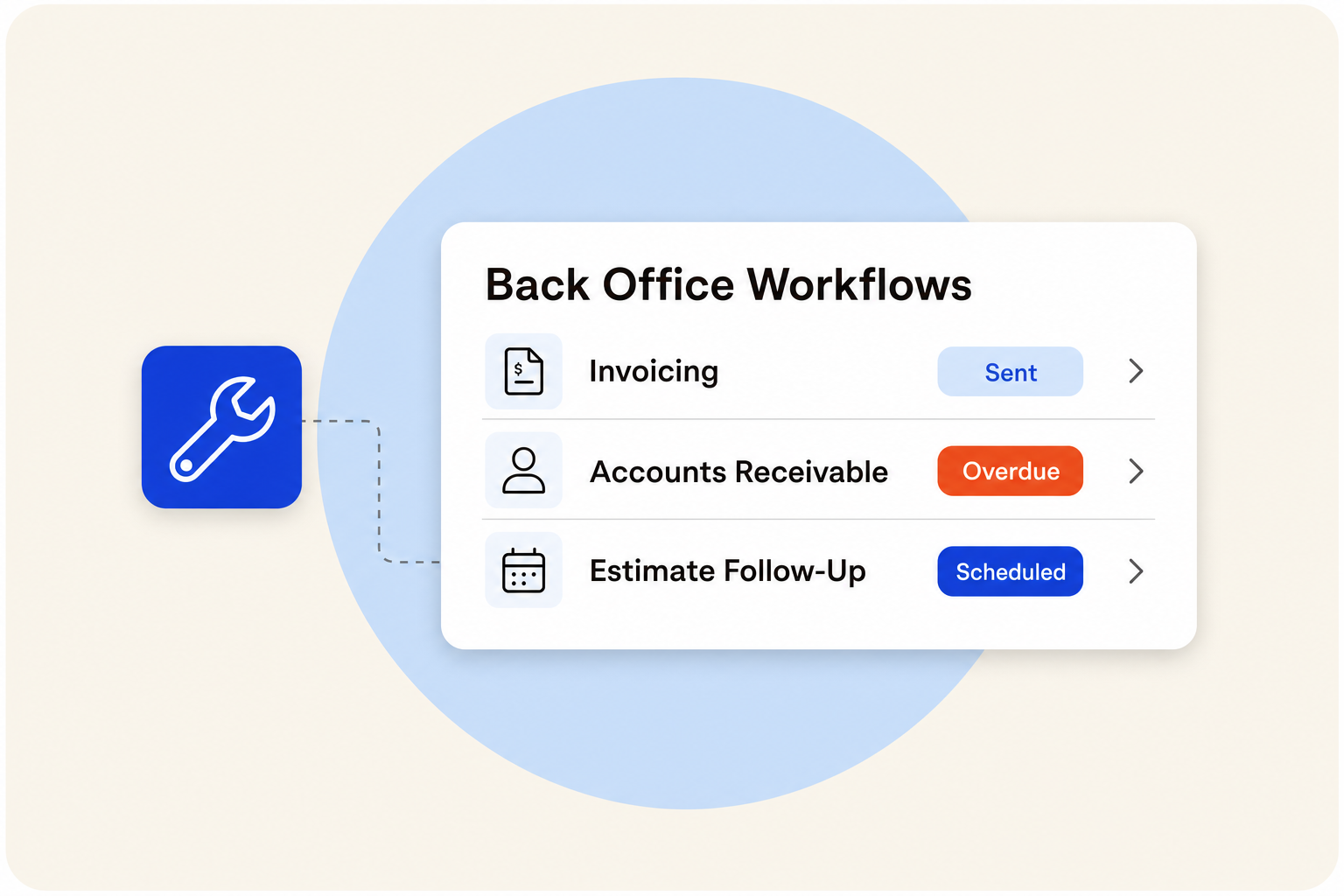
Start with whichever of these three areas is costing you the most right now: invoicing, accounts receivable, or estimate follow-up. These are the places that break first without a system, and fixing any one of them changes how the business feels day to day.
A widely shared starting point in HouseCall Pro communities is setting a trigger so the office gets notified the moment a technician hits "finish" on a job. That's a reasonable first step. But as one experienced HVAC operator put it:
"Coming from a lot of experience with HouseCall Pro, the number one thing that I would recommend, if you're transitioning from being a solo operator to now you're including someone else in administrative tasks, the number one thing to do is set up just a trigger on when you hit finish on a segment when you hit that finish button right. Just straight out the box. The default behavior. Nothing happens... And so the first thing, the most common thing, like if you go and join one of the HouseCall Pro Facebook groups, the number one thing that everyone recommends is set up an automation so that when the technician hits finish on a job, it lets the office know or the administrators know, hey, this job is done. Now you can go take some actions. Follow up, call the customer, send the invoice or whatever."
The notification is the starting point, not the finish line. The actions that follow (invoicing, follow-up, permit filing) still require someone to execute them. According to a survey of trades contractors translating AI productivity, 66% are saving at least three hours per week once those downstream tasks are systematized, not just triggered.
- Invoicing
- Accounts Receivable
- Estimate Follow-Up
Invoicing
Every day between a completed job and a sent invoice is a day the payment clock hasn't started. At low volume that's manageable. At higher volume, those delays stack into a real cash flow problem.
Automated invoice creation closes that gap by generating the invoice as soon as the tech submits notes and photos. Simple jobs can be invoiced and sent automatically. More complex jobs get flagged for review before going out. Either way, the invoice isn't sitting in a queue waiting for someone to find time for it. Accurate HVAC job costing and pricing is what makes automated invoices reliable, since the system can only pull correct line items if the price book is built correctly underneath it.
Accounts Receivable
One contractor had $18,000 in past-due balances that nobody was actively following up on, not from negligence, but because there was no process running in the background to flag it and keep pushing. That's a common situation in shops where the owner is also the collections department.
An AR tracker with a defined collections playbook handles this systematically: email reminders first, calls at 30 days, formal letters at 90 days. The sequence runs whether or not the owner has time to think about it that week. The difference between a shop with $18,000 sitting uncollected and one that recovers it isn't effort. It's whether a process is running.
Estimate Follow-Up
A 9pm Friday voicemail from a homeowner asking about a new system has a real chance of not becoming a job if nobody follows up by Monday morning. In most small shops, there's no process to prevent that from happening.
Automated follow-up sequences through your FSM can send texts and emails at defined intervals until the customer responds. When a customer accepts, the job gets created, the calendar updates, and the downstream tasks queue automatically. The lead-to-job handoff stops depending on someone remembering to check the inbox over the weekend.
How Does AI Automation Work With the Tools You Already Use?
AI automation should plug into the software you're already running, not require you to adopt a new platform. Jobber, HouseCall Pro, QuickBooks, and ServiceTitan all support workflow configuration and integrations that let automation run inside your existing operation.
Before automation can run reliably, the software underneath it has to be set up correctly. That means data migration is clean, workflows are configured to match how your business actually runs (not how the default settings assume), your price book is built into the FSM so techs can access it in the field, and your QuickBooks sync is configured so jobs, invoices, and payments flow through without manual entry. When those foundations are missing, automation surfaces the wrong data or creates more cleanup work than it saves.
The fuller picture of how these tools connect is covered in the modern HVAC software stack breakdown, which shows how AI receptionists, FSM platforms, and accounting software fit together. The short version: automation doesn't replace your tools. It runs on top of them, which means the tools have to be working correctly first.
What Tasks Should Your First Automation Actually Handle?
A well-built first automation covers the tasks that repeat on every job and require HVAC-specific knowledge to execute correctly. Generic AI advice focuses on scheduling and lead capture. The tasks that actually protect revenue go deeper than that.
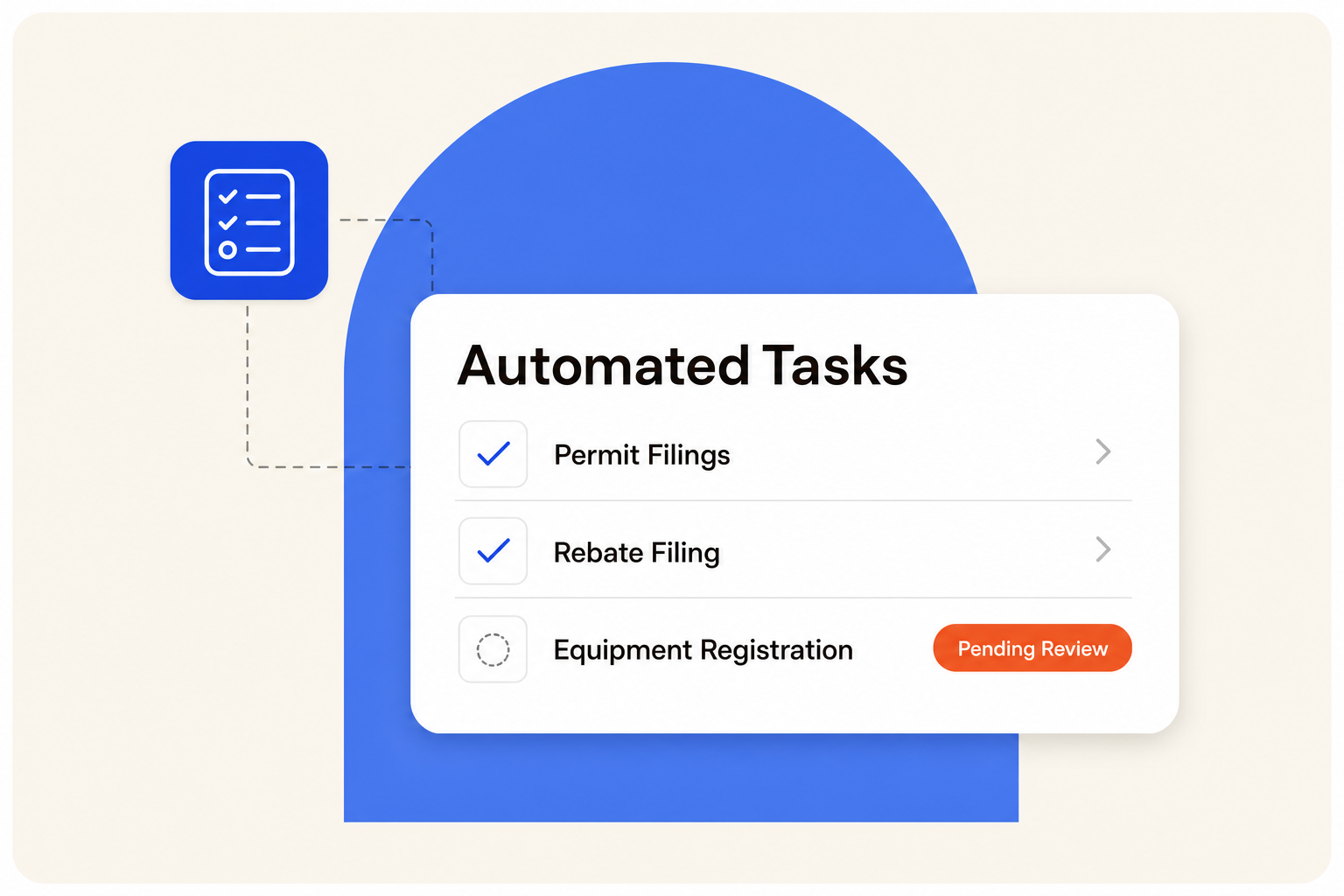
- Invoicing: Generate invoices from technician notes and photos as soon as the job closes, with a review step for complex jobs before sending.
- Quotes and estimates: Draft quotes from job details and send follow-up sequences automatically until the customer responds.
- Customer follow-ups: Run text and email sequences after jobs close to collect reviews, confirm satisfaction, and prompt maintenance plan renewals.
- Permit filings: Pull the scope of work, identify the municipality, locate the portal, and assemble the application details for human review before submission.
- Rebate filing: Detect installed equipment, pull model and serial numbers from job photos, check applicable programs, and prepare the application.
- Equipment registration: Read equipment photos, identify the OEM, and create the registration task so warranty coverage doesn't get lost.
A chatbot can handle scheduling confirmations. It can't file a permit in a municipality it's never seen, or know that a specific Mitsubishi unit qualifies for a Colorado Quality Install rebate. Those tasks require HVAC-specific knowledge that a generic automation tool doesn't have. See how workflow automation for HVAC shops handles this layer of work in practice.
Permits and Rebates
The workflow triggers as soon as a job is marked complete. The system detects what equipment was installed, pulls model and serial numbers from job photos, checks for available programs through Xcel, PSEG, and state-level rebates, and assembles the application for a human to review before submission. For contractors in Colorado or New York, where qualifying installations can mean hundreds to thousands of dollars per job, this process is what separates contractors who collect that money from those who don't. Mountain West Heat Pump processed $1.5M+ in rebates without adding headcount by running this system consistently across every install.
Equipment Registration and Warranty
Most small contractors skip equipment registration entirely. The consequence shows up later when a customer discovers their warranty coverage lapsed because nobody filed the registration within the required window. The system reads equipment photos, identifies the OEM (whether that's Goodman, Carrier, Mitsubishi, or Trane), and creates the registration task. The tech or office uploads to the manufacturer portal and logs the confirmation back into the job record. It's one of the remaining steps that still requires a human hand, but the task creation and tracking happen automatically.
Follow-Ups and Scheduling
Text and email sequences run automatically until a customer responds, so no lead or estimate sits unanswered because the owner was on a job. When a customer confirms, the job gets created, the invoice generated, and the calendar updated as part of one handoff. According to a survey of residential contractors adopting AI, one contractor reported that "nearly 30% of our bookings flow end-to-end without any human involvement from call to schedule dispatch." That level of automation requires the follow-up sequences and job creation steps to be connected, not just triggered separately.
How Much Does It Cost to Automate HVAC Admin Work?
There are three real options, and each has a different cost structure.
- DIY configuration: You spend a weekend (or several) setting up triggers, testing workflows, and documenting processes. The software cost may be low, but the time cost is your Saturday. When something breaks, you're the one fixing it.
- Full-time office manager: A qualified hire costs $50,000+ per year, plus benefits, onboarding time, and the risk that they leave. For a 2-truck shop, that's a significant fixed cost before you know whether the role is sustainable.
- Managed back-office support: A service that provides HVAC-experienced admins using AI tools to run your back office at a monthly rate, with no hiring, training, or management overhead on your end.
The comparison isn't just dollars. A weekend spent configuring automation is a weekend not spent with your family, not spent on a job site, and not spent on the parts of the business that actually require your judgment. If the DIY setup breaks three weeks later, that cost repeats. The right question isn't which option is cheapest. It's which option actually gets the work done without adding to your plate.
What Results Can You Expect From Your First Automation?
Results depend on which area you fix first and how consistently the system runs. Based on real contractor outcomes, the impact on cash flow is measurable within the first 30 days.
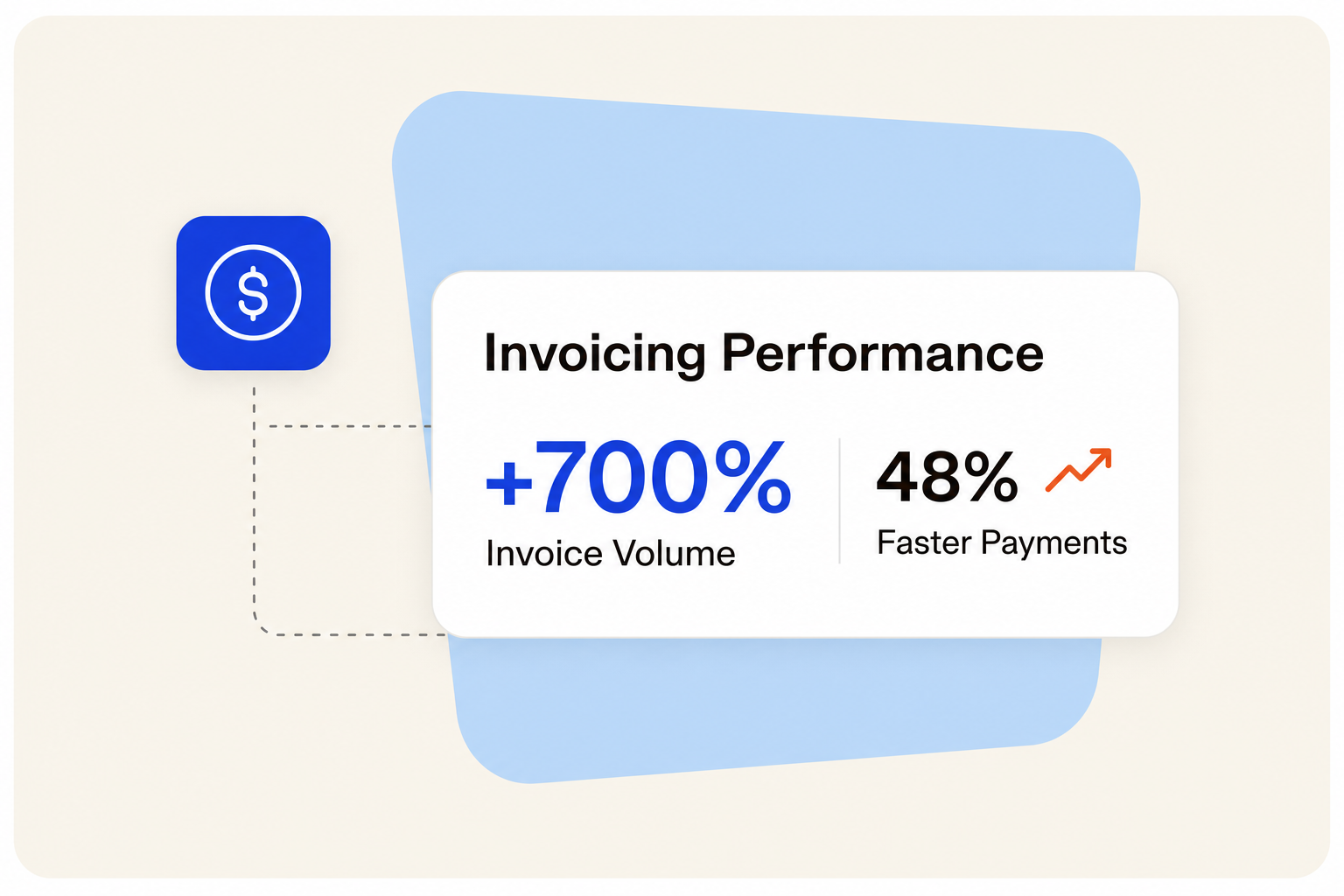
- Just Right Mechanical: Saw a 700% increase in invoices issued and 48% faster payments within 30 days of taking invoicing off the owner's plate. The jobs were always there. The billing system wasn't.
- ABL Comfort Solutions: Tracked 1,565+ service jobs across 10+ Boston-area properties at a 99% billing success rate. At 150+ service calls per month in peak season, manual tracking wasn't an option.
- Mountain West Heat Pump: Processed $1.5M+ in rebates without adding headcount by running a systematic rebate workflow on every install.
- Veteran Heating and Cooling: Went from $0 tracked rebates to 77 paid checks in one season, and reached $5.8M in year-one revenue while operating across 50+ permitting jurisdictions.
Process consistency drives these outcomes. Research from AI moving from experimental to operational in the HVAC industry found that technicians following a defined sales process 90 to 100% of the time had average tickets nearly double those with low compliance. The same principle applies to admin: a system that runs every time produces results that a manual process can't match.
How Do You Know If Your First Automation Is Working?
Your first automation is working when invoices go out the same day jobs close, no past-due balances sit untouched for more than a few days, and you're getting a weekly summary of jobs run, estimates sent, and conversion rate without pulling it yourself.
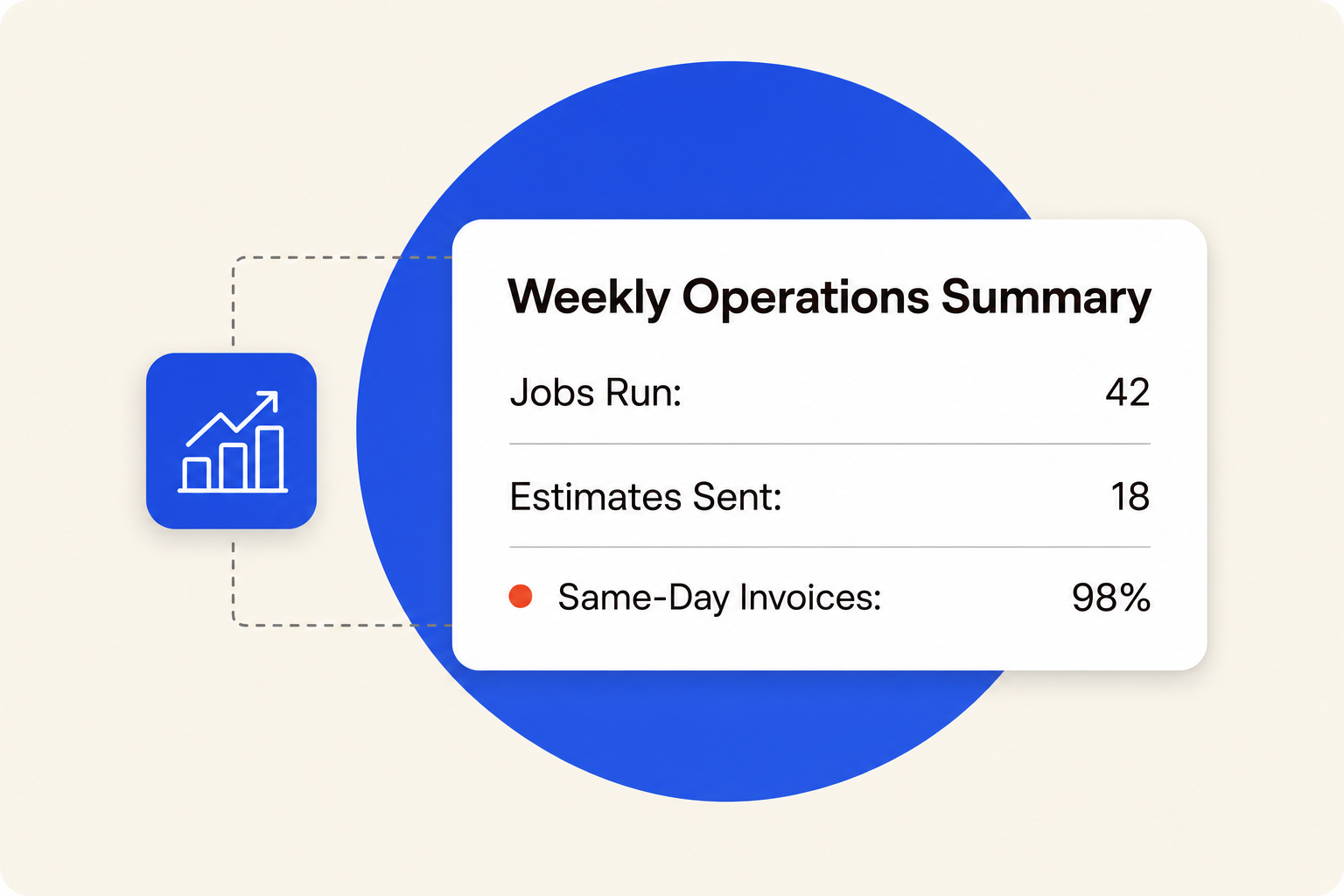
Those three signals tell you whether the system is running or just configured. An invoice that goes out three days after job completion means the trigger fired but the action didn't happen. A past-due balance that sits at 45 days without a follow-up means the AR playbook isn't running. A weekly report you have to pull yourself means the visibility layer isn't built yet.
Weekly check-ins with whoever runs your back office are how you stay aligned without monitoring a dashboard. You review what moved, what's pending, and what needs a decision from you. That's the maintenance mechanism, not a software alert you have to interpret on your own. As your operation grows and you start thinking about local visibility for HVAC companies and other growth levers, the admin foundation has to be solid first. Additional HVAC business growth resources cover what comes next once the back office is running without you in it every night.
